
Searching Cases by Name
MCRO, short for Minnesota Court Records Online, searches remotely available state-court cases by person or business name. Start with the exact spelling. A single typo can hide the case. Person searches use separate fields for last, first, and an optional middle name, while businesses run through their own option; a legal business name may look different from the shortened name you know, so try both forms. Treat any partial name match as a lead. Verify the case details before trusting an identification.
The official MCRO Case Search adds two broadening tools: Sounds Like, and a trailing wildcard after at least two characters. Those two cannot be combined. Choose Blue Earth County under Court Locations to keep the case search local, then trim a broad result set with the case category or filed-date controls. The portal offers date-of-birth controls too. The public should not collect or retain that information.
- Select Person or Business, then enter the most exact known name.
- Choose Blue Earth County as the court location and add a case category or date range when it is useful.
- Use either Sounds Like or a trailing wildcard only if exact spelling gives no usable result.
- Open the case details and confirm the case number, category, and Register of Actions before relying on the result.
Pending criminal cases stay out of electronic name searches under the Minnesota public-access rules. That gap is not an answer. A name result marked unavailable proves nothing about whether a case exists. The next step may be a known case number, a citation number, an attorney search, a courthouse terminal, or Blue Earth County Court Administration.
Blue Earth County Case Search Routes
MCRO splits its public work across four search modes, each with its own job. Case Search finds the state-court case and opens Case Details and the Register of Actions. Document Search wants a known case number. It returns only documents eligible for remote public access. Hearing Search covers scheduled hearings. Judgment Search is the narrow one, limited to docketed monetary judgments and their satisfactions. Federal court cases sit outside all four modes.
The official MCRO overview walks through the Case Search screen and how the interface works. No registration is required. Searching and downloading a remotely available document is free. Sessions reset after about 30 minutes of inactivity, with a warning around 28 minutes. Remember what the tool is: public access to court records, not a certified court-record service.
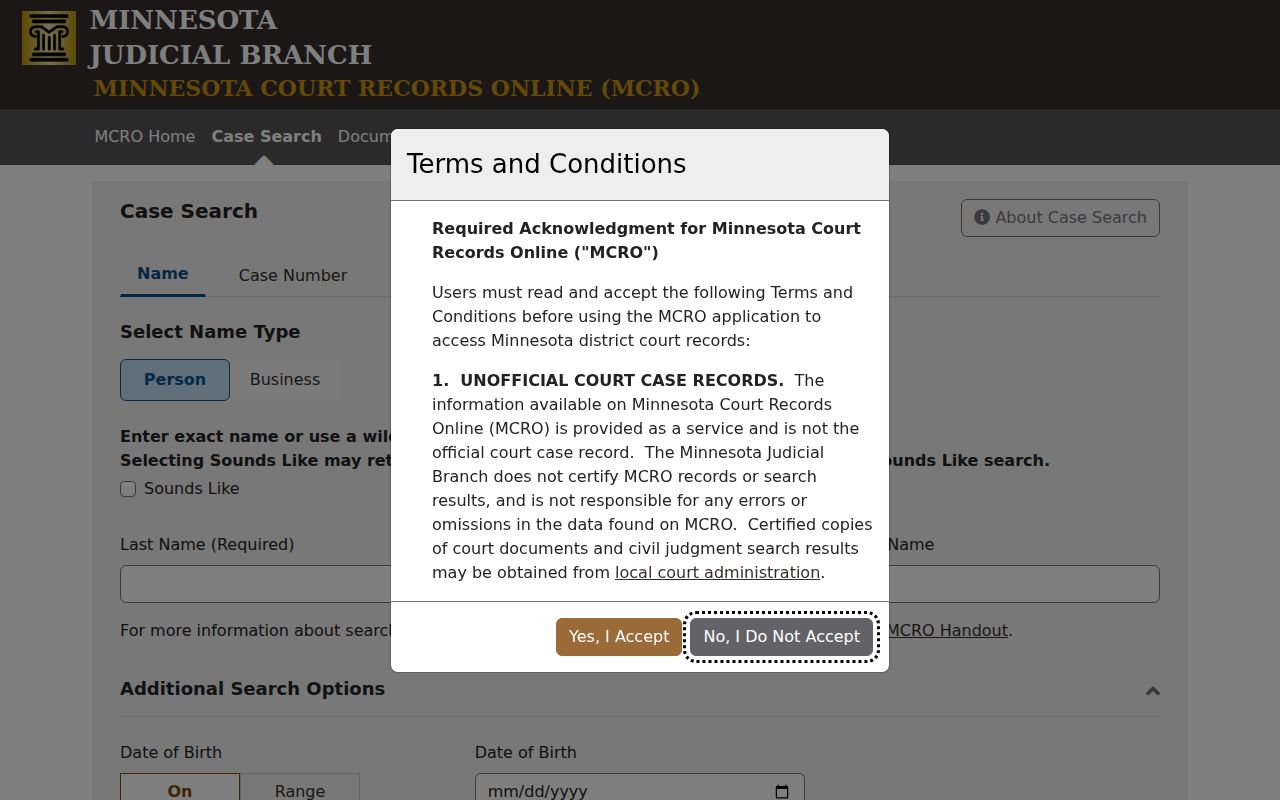
Picking the right MCRO tab prevents a common mix-up. A hearing search returns calendar entries, not a full docket. And a document result never replaces reading the Register of Actions.
Blue Earth County Case Search Accuracy
Accuracy in a Blue Earth County case search comes from the case-level detail, not the first hit. Always check the case number, court location, category, and the Register of Actions. Similar names collide, and statewide results or shortened business names can return a match that is not the local matter. The county filter helps. It still cannot replace case-level verification. Read the full result detail. A caption or a status label is not a conclusion.
These public court tools locate accessible court matters; they do not build a private-person index. Use the least identifier your task needs. Keep private information out of your notes. Names on a live calendar should not be copied just because a PDF search can find them. The current case detail and the court's access rules set what remote viewing allows.
Searching by Case Number
A complete case number is the strongest identifier for a Blue Earth County case search. Minnesota case numbers follow one pattern. A two-digit county code comes first, then two letters for the case type, a two-digit filing year, and a sequence number. Blue Earth County's code is 07. Current local calendar examples include 07-CR-26-#### for criminal, 07-CV-26-#### for civil, 07-FA-26-#### for family, 07-PR-26-#### for probate, and 07-CO-26-#### for conciliation matters.
Open the Case Number tab in MCRO. Type the full number without spaces. Dashes and leading zeroes are optional. MCRO accepts them or drops them. The county, type, year, and sequence must all be complete. Once the result opens, Case Details leads to the Register of Actions. The MCRO Document Search then accepts that known number and returns eligible public documents.
A citation number is not the court case number. Minnesota citation numbers are normally a 12-digit preprinted figure near the top of the citation and below its barcode. Use the Citation Number mode when you hold that paper but lack the court number. Timing matters. New citations can take up to seven days after filing before the Court Payment Center can assist, so check a same-day miss against the citation and the court notice.
Blue Earth County Case Search Filters
MCRO's county selector covers all 87 Minnesota counties. Filter to Blue Earth County first. That trims unrelated hits from statewide results. Category controls split matters into Civil, Criminal, Family, and Probate or Mental Health, keeping the docket search on the local District Court. Categories narrow a query, though they do not promise that every case subtype or document within a category is remotely available.
| Search field | Use | Blue Earth County search tip |
|---|---|---|
| Person or business name | Starts a name-based search | Use exact spelling first, then verify case details. |
| Case number | Locates one known state-court case | Use the 07 county prefix and full format. |
| Citation number | Finds a filed citation matter | Enter the 12-digit number from the citation when available. |
| Attorney | Searches by attorney name or bar number | Add county, date, or category controls to narrow results. |
| Date filed | Uses exact date or date range | Use the portal’s MM/DD/YYYY form and keep the range narrow. |
| Court location | Selects statewide or a county | Choose Blue Earth County for a local case search. |
Know the attorney's name or bar number? That is the fastest route, and the attorney search uses the same location, date, and category controls as the other modes. Party names, captions, and case status work differently. They only come into view with case-level review, because a search result is just the entry point to the court record.
Blue Earth County Citation Case Search
Have a Minnesota citation but no case number? MCRO has a Citation Number mode for that. The preprinted number is 12 digits, printed near the top of the citation and below the barcode. It is not a Blue Earth County court case number. The citation itself still controls. It tells you how to respond and whether a court appearance is required.
Once the citation is filed, its court case may use the Blue Earth 07 county prefix. Payable and mandatory-appearance matters can carry different case-type letters. The actual citation is more reliable than a guessed code. A newly issued citation may not appear right away. Official guidance allows up to seven days after filing before the Court Payment Center can assist.
What a Case Search Returns
A Blue Earth County MCRO result gives you the basics: case number, caption or parties where public, case category, filed date, court location, and status. Open Case Details for more. There you reach the Register of Actions, Minnesota's docket-like list of filings, proceedings, and events. Read any result in context. A label like active or closed is not a ruling. It takes the event history and any signed order to say what actually happened.
| Case number | The county, type, year, and sequence identifier, such as 07-CV-26-####. |
|---|---|
| Case category | The broad MCRO grouping, which does not itself decide public access. |
| Register of Actions | The chronological case activity record, including filings and proceedings. |
| Hearing information | A scheduled setting with date, time, location, officer, and type when available. |
| Document index | A record of a document or event that may have no public downloadable attachment. |
| Judgment data | A narrower monetary-judgment result in the separate Judgment Search mode. |
An index number, an -Other label, or an unknown page count proves nothing about a missing attachment. The file could hold material that is not public. Availability turns on filing date, case type, redaction, and the Minnesota Rules of Public Access. A downloaded MCRO result is watermarked and unofficial.
Blue Earth County Case Search Status
Status fields never stand alone. A status can summarize an administrative stage, while the Register of Actions holds the dated events that explain it. A hearing entry is a scheduled event, not a ruling. Same caution for warrants. A warrant indicator or calculated level in a result should be read alongside the accessible case history, not treated as a conclusion. The public interface itself warns that some status and warrant information requires case-level review.
In a Blue Earth County case search, open Case Details once you find the result. Read the entries around the item in question. For a court date, compare the Register of Actions with Hearing Search and the current hearing notice before relying on it. Need a document instead? Run Document Search with the known number, and if no public attachment appears, ask Court Administration about the proper copy route.
Blue Earth County Case Search No Result
A blank result can mean several things. The name may be formatted differently, the case may sit in another county, the case number may carry a wrong year or type code, or the item may not yet be indexed. Some files never reach the online docket at all. Older files, sealed or expunged matters, restricted case categories, and records not designated for remote viewing can all be absent. The daily calendar is no substitute either. It is only a schedule, not the full case record.
Check the identifier first, then narrow the search to Blue Earth County. Next pick the right MCRO mode. Use case number for a known case, citation number for a citation, attorney search, Hearing Search for a scheduled event, or Document Search for a known number. Still nothing? The courthouse public-access terminal is a real alternative. Blue Earth County Court Administration can explain the local access route for a court-held file, including older or restricted material.
Important access point: An unavailable online name or document is an access limit, not a finding that the case does not exist. Do not seek private information through unofficial sources when Minnesota’s court rules limit remote access.
Blue Earth County Case Search Documents
Finding a Blue Earth County case through MCRO Case Search is stage one, not a promise that every document can be downloaded. Open Case Details and note the case number. Then run Document Search for that number. The result could go several ways: a public PDF, an index-only event, an -Other document label, or an unknown page count. Each outcome describes the public portal result, not the full contents of the courthouse file.
Availability turns on filing date, case type, remote-access designation, privacy rules, and any court order. Need a certified document? Use the copy-request process through Blue Earth County Court Administration. A record that is accessible but not remote has routes too. Ask about the public terminal or in-person inspection. A missing attachment is not a final answer.
Statewide vs County Case Search
MCRO is a statewide Minnesota Judicial Branch service. It is not a separate Blue Earth County portal, and its Court Locations control lets you search across Minnesota or within Blue Earth County District Court. A known county matter? Filter to that county first, since it narrows the docket results quickly. Statewide searching has its place. Use it when the filing location is unknown, but expect a broader result set that demands closer verification of the court location and case number.
| MCRO statewide search | Blue Earth County-filtered search |
|---|---|
| Includes participating Minnesota district-court locations. | Focuses the same service on the Blue Earth County District Court location. |
| Useful when the county of filing is not known. | Useful for a known local case or hearing. |
| May create more similar-name results to verify. | Reduces unrelated county matches. |
| Still follows statewide remote-access limits. | Still follows the same statewide remote-access limits. |
Court Administration in Blue Earth County holds the trial-court record itself. Certified copies and access questions go through that office. For remote viewing, the state's public layer is MCRO, Minnesota Court Records Online. A separate tool, Minnesota Judicial Branch eFile and eServe, serves lawyers and other authorized filers. It is not an anonymous public case search, and it does not replace MCRO for docket lookup.
Blue Earth County Case Search Boundaries
State court is where MCRO lives. It covers Minnesota district-court records, which includes the Blue Earth County court docket. Federal cases are a different story, even when they arise in Blue Earth County. The U.S. District Court for the District of Minnesota handles those, and its public docket and documents run through PACER, with CM/ECF for authorized filing. A federal case number will not look like the local 07-CR-... format, and no federal clerk office sits in Blue Earth County.
Appeals go up another branch. The Eighth Circuit Court of Appeals is the federal appellate court for Minnesota, so any federal appeal from a Minnesota ruling lands there.
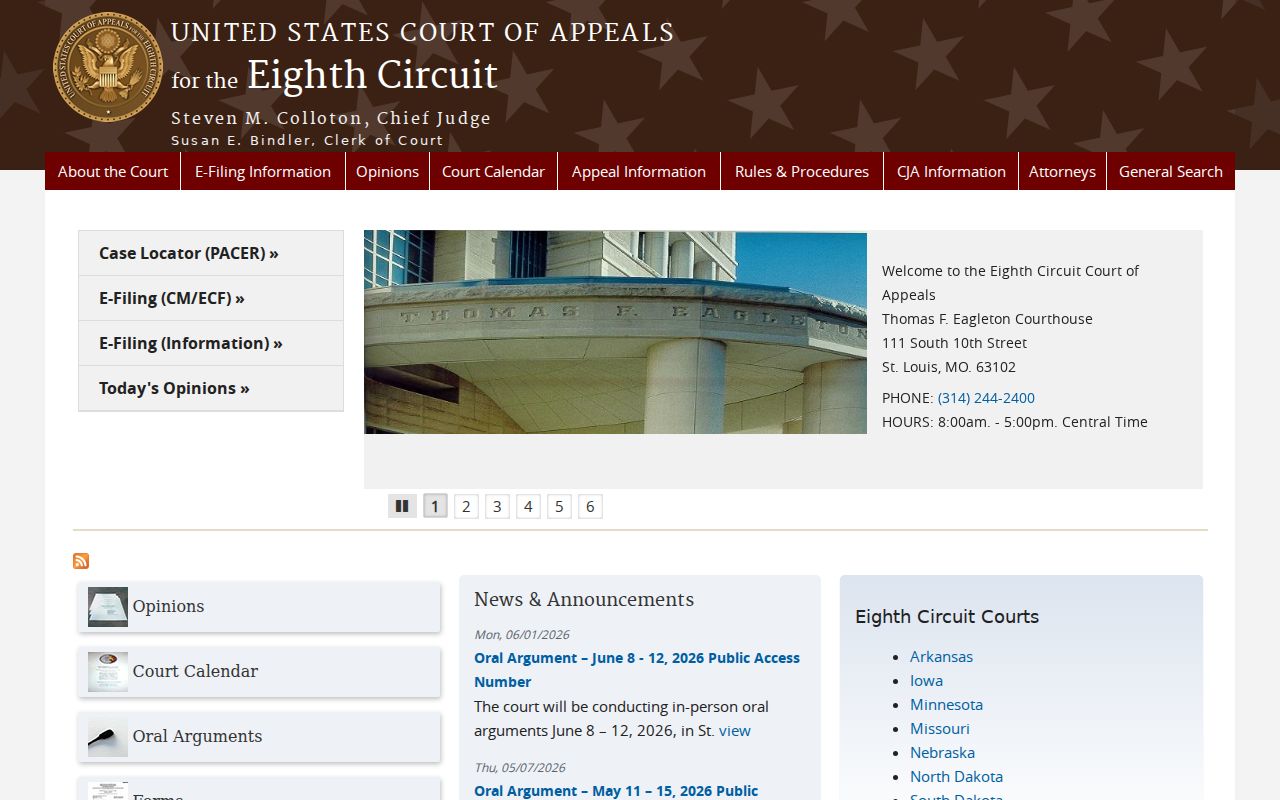
State appeals from a Minnesota district court climb through the state Court of Appeals and Supreme Court. Federal appeals follow the separate federal path. Before you merge records from the two systems, check the caption and the case-number format carefully. For free federal docket material, CourtListener offers RECAP copies of some entries and documents.
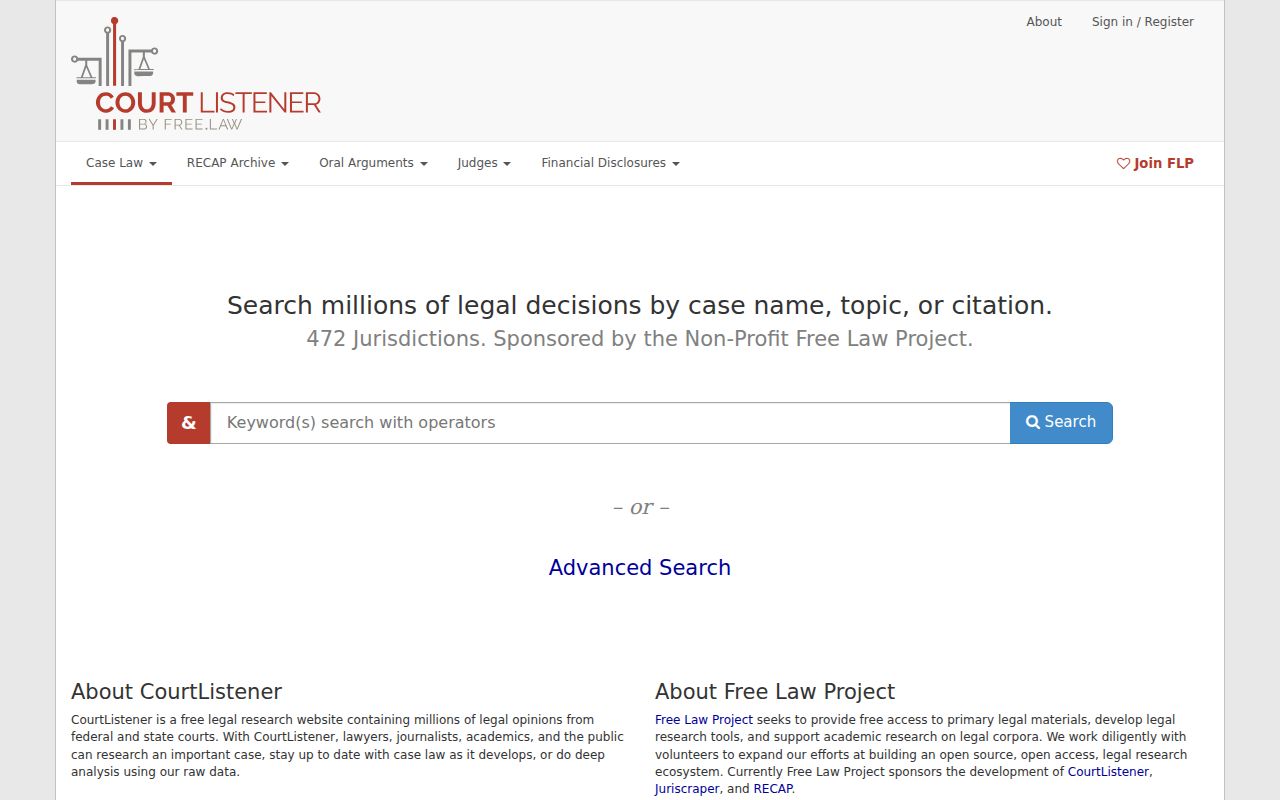
RECAP coverage is spotty. Treat it as a discovery aid, not a certified or complete federal record. The official access route runs through PACER or the federal court itself, and the District of Minnesota court website is the place to start for federal trial-court records.
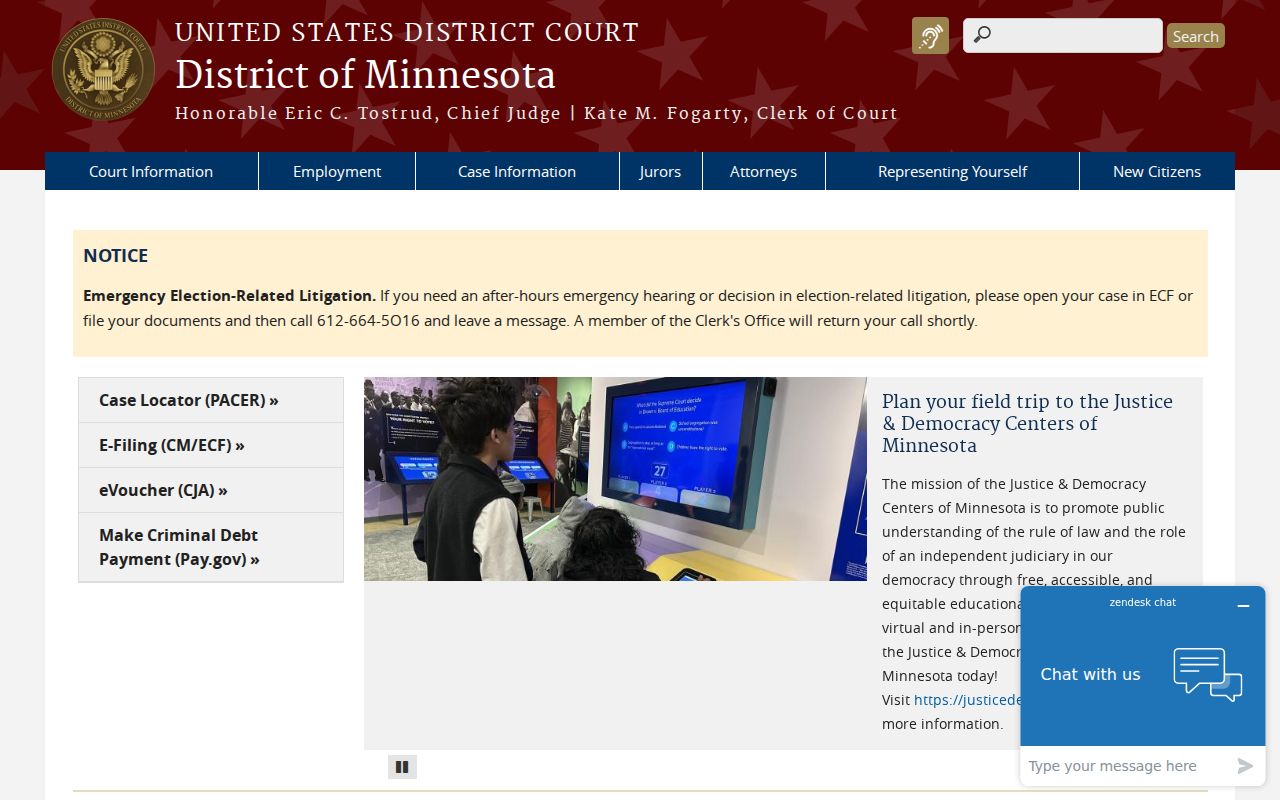
Keep federal records apart from any Blue Earth County state-court case search. Bankruptcy, too, belongs to the federal route; it never appears as a result category in MCRO.
Access and Restricted Cases
What you can see from home is narrower. The courthouse view is wider. Rule of Public Access 8 limits remote viewing of personal data and sensitive case categories. It also bars electronic defendant-name searches of pending criminal cases. Domestic-abuse matters, harassment cases, some juvenile files, CHIPS, civil-commitment materials, and sealed or expunged records all carry extra limits. A court order, statute, or rule can restrict a single case. Rule of Public Access 4 sets the broader framework for inaccessible records.
Even so, the rules may still allow inspection of an original. Copying may be allowed too, at the courthouse. A restricted record may demand added paperwork or a judge's permission. For process questions, Blue Earth County Court Administration is the right local contact. It cannot lift a restriction for you.
One caution on reading results. A calendar entry, a status field, or a search result cannot establish private facts, legal responsibility, or a final outcome without the full accessible record.