
How to Search Civil Dockets
Minnesota Court Records Online Case Search is the front door for accessible Blue Earth civil cases. You may know it as MCRO. Accept the terms first. Then pick the Civil category and search by case number, party or business name, attorney name or bar number, or filing date. If the case belongs to this county, choose Blue Earth in the court-location control. A match opens Case Details and the Register of Actions. That is the court's own timeline of filings and events.
Other routes exist beyond the public search. MCRO Document Search pulls remotely available documents once you hold the complete file number. MCRO Judgment Search is narrower; it finds docketed monetary judgments and satisfactions. For an older, restricted, or certified record, try a courthouse public-access terminal. You can also call Blue Earth County Court Administration at (507) 594-3055. Or mail a copy request with payment to the court where the action was filed. Minnesota Judicial Branch eFile and eServe serves authorized filers and case participants. It does not serve anonymous docket searches.
- Open MCRO Case Search, accept the terms, and choose a case number or accessible party, business, or attorney search.
- Choose Blue Earth County and Civil, then use a filing-date range if the result set needs narrowing.
- Open Case Details/Register of Actions and read the events in date order rather than relying on a short status field.
- Use Document Search only after obtaining the full file number, or use Judgment Search for a docketed monetary judgment question.
- Contact Court Administration or use the courthouse terminal if the remote result is incomplete, then request a certified copy when an official copy is required.
Blue Earth Civil Case Numbers
Blue Earth daily-calendar entries show civil file numbers in a pattern like 07-CV-26-####. The first two digits are the county code. CV marks a civil case. The next digits give the filing year. The final sequence is left off here. A full case number is the cleanest MCRO lookup, since it sidesteps the confusion of similar names or business formats.
With a known case, open the Register of Actions in Case Search. Then use Document Search for any remotely available filing. Never guess a case number from a calendar row. The calendar is only a schedule, not a stand-in for the case history.
What a Civil Docket Shows
A civil Register of Actions can list the case number, parties subject to access rules, case category, filings, hearings, motions, orders, judgments, and the dates tied to those events. It is a procedural history, nothing more. An indexed document may carry no public attachment. An MCRO download is not a certified copy. Read the entry itself and, where available, the order before treating a calendar label or a portal status as a final result.
| Case number | A Blue Earth court-file identifier, such as 07-CV-26-####. |
|---|---|
| Register of Actions | The event-by-event civil docket, including proceedings, activities, and filing entries. |
| Document index | A list of referenced filings that may not supply a remotely downloadable document. |
| Hearing setting | A scheduled date, time, location, and type of civil proceeding. |
| Judgment entry | A court decision entry; MCRO Judgment Search focuses only on docketed monetary judgments and satisfactions. |
Blue Earth Civil Conciliation Court
Conciliation Court is Minnesota's small-claims division inside the Blue Earth County District Court. It is not a separate municipal courthouse or its own county docket. The Judicial Branch describes a simplified process for claims generally up to $20,000. Statutory exclusions apply. Consumer-credit transactions carry a lower limit. Current Blue Earth calendar examples can carry the prefix 07-CO-26-####. They also carry the hearing label Conciliation Hearing.
An appeal or removal from Conciliation Court can lead to a fresh District Court trial. A default or no-show judgment carries its own specialized appeal limits. For where a matter truly stands, the full Register of Actions and the official instructions beat any hearing label. The Minnesota Conciliation Court information page lays out that process.
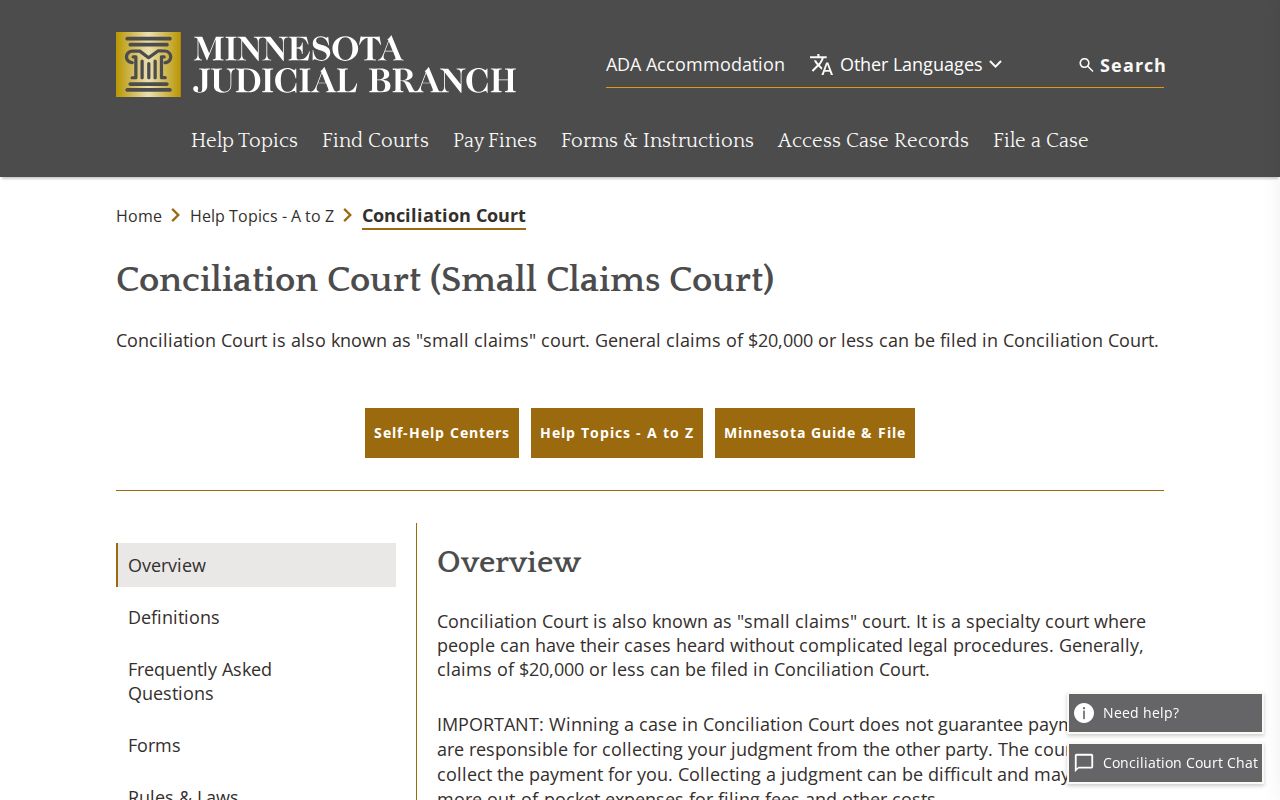
The state resource at that link places a Blue Earth small-claims matter inside the District Court record system. Check it before assuming a separate court handles the claim.
Types of Civil Cases on the Docket
Blue Earth County District Court hears civil matters alongside family, probate, juvenile, criminal, traffic, and conciliation cases. Civil search results and the daily calendar can include scheduling conferences, evidentiary hearings, motions for summary judgment, settlement conferences, pre-trial settings, hearings, and jury trials. Family and other civil-adjacent matters carry different remote-document limits, even when a case shows up in a broad court search.
| Blue Earth case path | What the docket can show | Important limit |
|---|---|---|
| Civil case | Pleadings, motions, hearings, orders, and judgment events. | Remote documents depend on filing date and access rules. |
| Conciliation case | Small-claims setting and Register of Actions history. | An appeal or removal can begin a new District Court trial. |
| Family-adjacent matter | Case and some court-prepared entries may be visible. | Party-submitted family documents have narrower remote coverage. |
Blue Earth Civil Judgment Search
MCRO Judgment Search earns its keep once a monetary judgment has been docketed. It offers person or business debtor controls. Date and status filters are there too, along with statewide or selected county locations. It does not replace the civil Register of Actions. A non-money outcome, a pending motion, a settlement conference, or an order can sit in the case history. Those entries may never appear in this narrower judgment tool.
Carry the civil case number as you move from a broad search result to the Register of Actions. Then pull any eligible documents. The Blue Earth County annual comprehensive financial-report archive adds government-workload context from the county side.
The county report archive can supply government-workload context. Still, it is not a District Court civil caseload report and no substitute for the court docket.
Settings and Hearings on Civil Dockets
A setting on a Blue Earth civil docket is a court event that has been scheduled. The daily calendar lays out the details that matter: hearing date, time, location, judicial officer, connection type, hearing type, and case number. Labels like Scheduling Conference, Settlement Conference, or Motion Summary Judgment tell you what kind of event is set. They do not tell you the outcome. A judgment has not been entered just because a hearing sits on the calendar.
Start with the Blue Earth daily calendar to see what a courtroom hearing is currently set for. Then run an MCRO Hearing Search by name, case number, judicial officer, or attorney. One caution applies. The court notes that the PDF leaves out confidential matters and files not available remotely, so a printed courthouse calendar or a call to Court Administration remains the best way to confirm a schedule change.
Blue Earth Civil Continuance Requests
Need a civil hearing moved? The Fifth Judicial District's continuance best practice makes its stance plain: continuances are strongly disfavored. A trial date raises the bar further. A party or counsel normally signs a written request and states the reasons. Only the judge's order can change the setting. A continuance request sitting in the docket does not mean the hearing moved.
When a date looks shaky, read the newest Register of Actions entry first. Then confirm with Court Administration. That two-step keeps a request, an order, and the calendar date from blurring together.
Public Access to Civil Dockets
The Minnesota Rules of Public Access set the terms for Blue Earth civil court records. If a file is accessible, you can generally inspect the original where it is kept during regular hours. Remote access is another matter. A docket entry may be open at the courthouse terminal or through Court Administration. Some documents never reach MCRO at all. Restrictions can flow from a rule, a statute, or a court order. Confidential data and expungement can also apply. So can the case type, or the age and format of the file.
Access boundary: Rule of Public Access 8 addresses inspection, copying, and remote limits. Rule of Public Access 4 recognizes restrictions imposed by law, rule, court order, and case-specific findings. A portal message that a record is unavailable should be treated as an access limit, not proof that no court file exists.
Blue Earth Civil Documents Online
What MCRO shows online depends on when a case was filed. The case type matters too. The Judicial Branch points to broad remote coverage for criminal and civil documents. Coverage starts with filings from July 1, 2015. From 2005 through June 2015, coverage narrows to specified judgment, orders, opinions, and court-generated notices. Family and post-adjudication paternity cases are thinner still, mostly court-prepared documents.
Odd index results deserve patience. A -Other marking still records a docket event. So does an unknown page count. It proves nothing about whether a missing attachment exists or is public. Court Administration handles a plain or certified request when you need that particular file.
Blue Earth Civil Filing Fees
Viewing an MCRO civil docket costs nothing. Filing is where fees kick in. The Blue Earth district-court lookup folds a $10 county law-library fee into many charges. A $320 civil first paper is one example. A $75 Conciliation Court first paper and a $100 civil motion or response base are others. Assorted jury-request and subpoena costs appear too. Always confirm the exact filing type against the live schedule before sending payment. The official Blue Earth fee lookup shows the full local table.
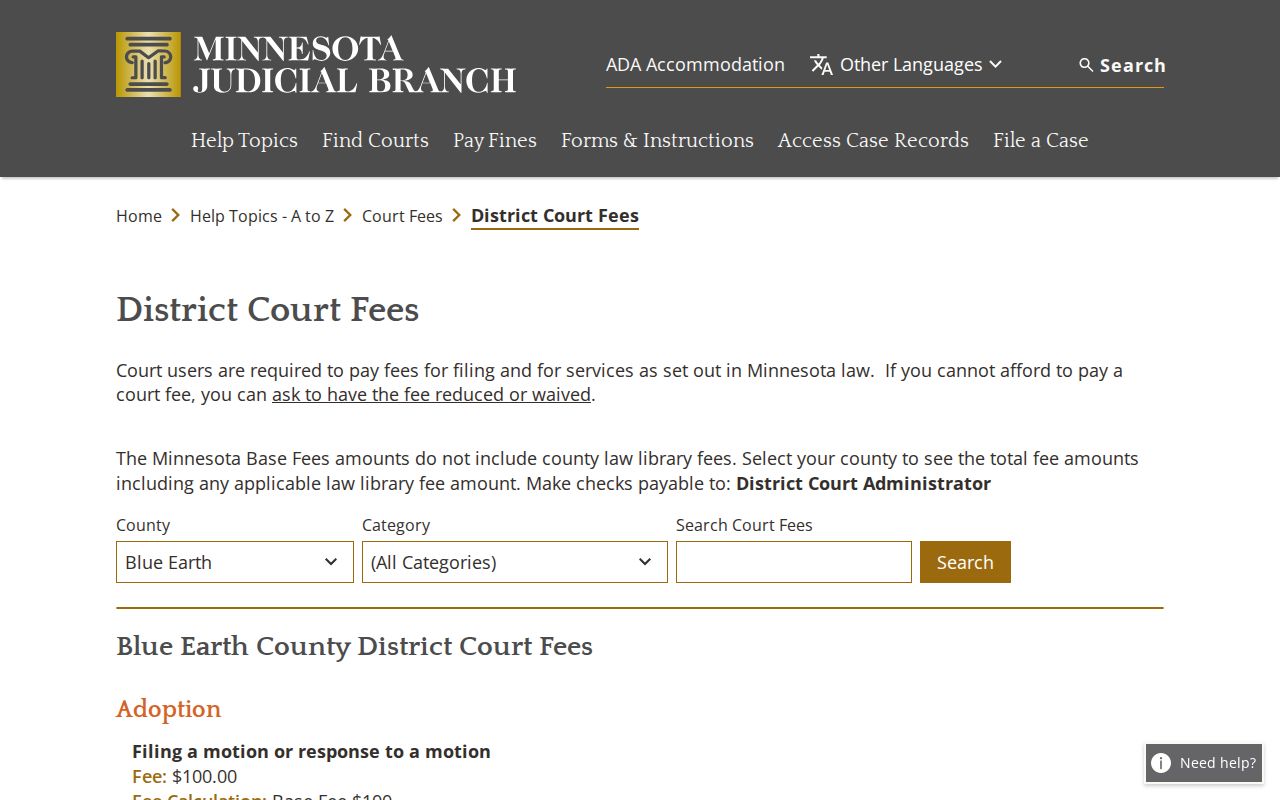
One distinction saves confusion. The lookup presents fees for a new filing, not the separate charge for a copy of an existing civil record.
Blue Earth Civil Fee Framework
Minn. Stat. § 357.021 builds the statewide fee framework. Its examples include $14 for a certified civil or criminal instrument, $16 per subpoena name, $100 for a motion or response filing, and $55 for a writ. The Blue Earth lookup then sets the county presentation and adds the local law-library surcharge where it applies.
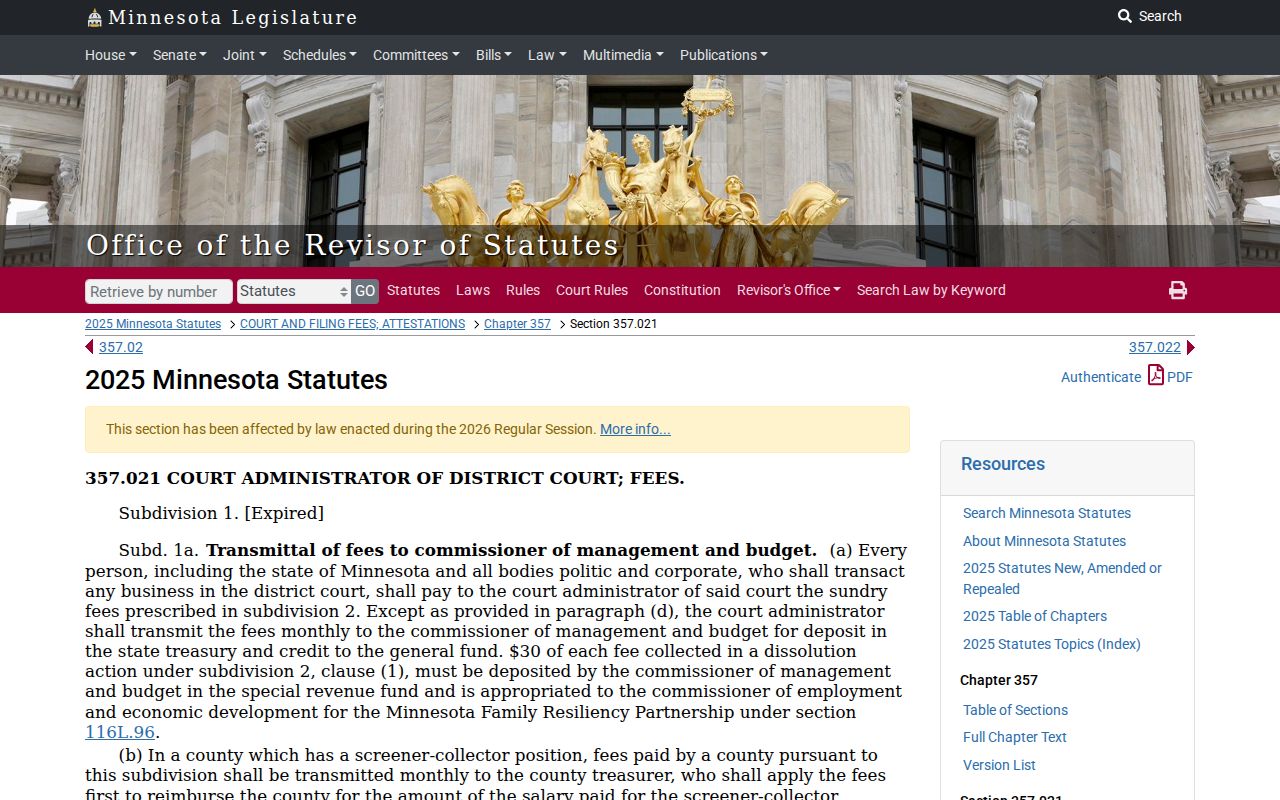
The statute shows where statewide fee authority ends. The Blue Earth District Court's own local fee table is what actually governs what a filer pays.
Blue Earth Civil Copy Requests
Before requesting a civil order or filing, gather the basics. Have the court file number and the document name or description ready. Include the date or index if known. Copy type, number of copies, and delivery method come next, along with payment. The Fifth District form offers plain, certified, and certified-exemplified copies. Delivery can go by mail, pickup, fax, email, or prepaid carrier as permitted. Email and fax are for plain nonconfidential copies only.
Fees run modest. Current guidance lists no fee for an uncertified copy. A certified document costs $14. An exemplified document also costs $14, and both certification and exemplification together come to $28. Send the request and payment to Court Administration. Use the county where the case was filed. No Blue Earth turnaround is guaranteed, so do not expect a same-day response.
Blue Earth Civil Record Boundaries
Not every record lives in one place. A court pleading may sit in one office. A real-estate record, a judgment lien, county data, or a municipal document can sit in another. Blue Earth County Court Administration holds the district-court file. Land, vital, Sheriff, County Attorney, and city records are elsewhere. Use the civil Register of Actions and the copy process for the court case itself. For anything else, contact the agency that keeps it. The Minnesota Conciliation Court jurisdiction statute sets out that side of the structure.
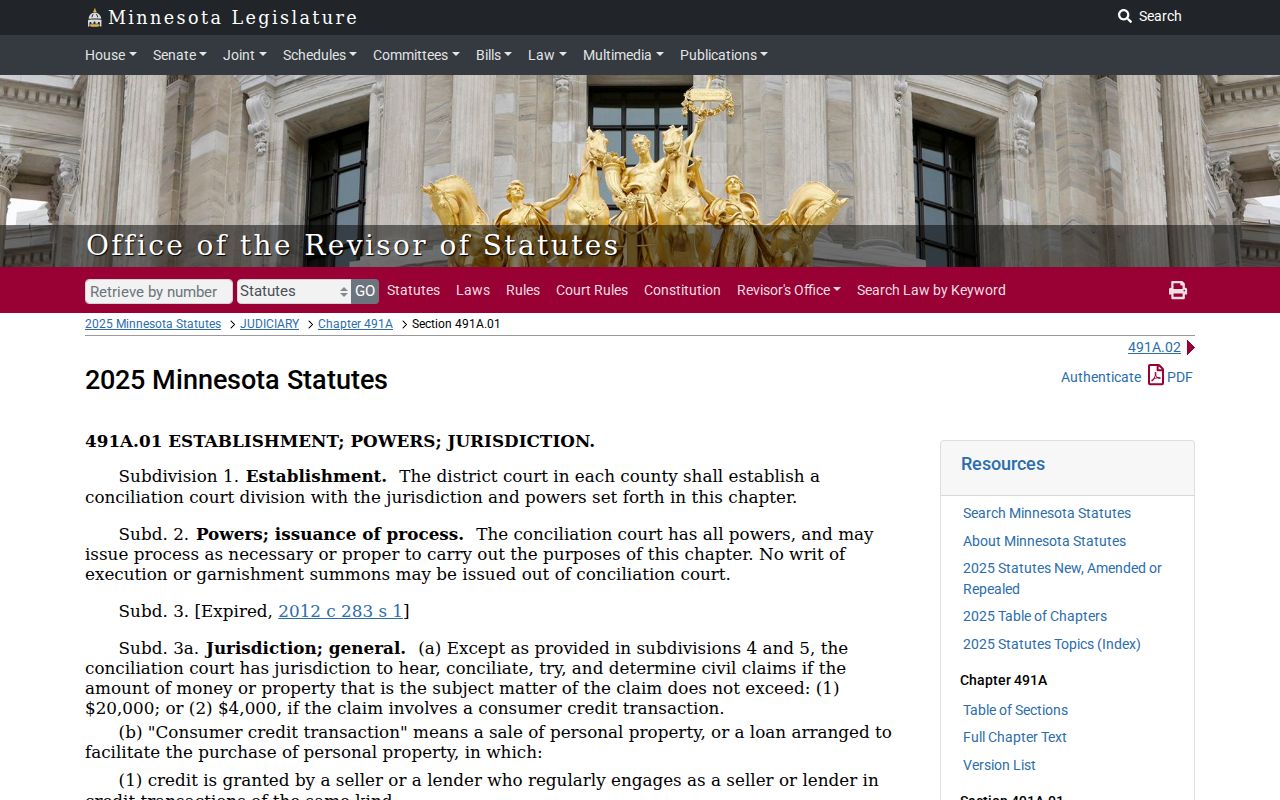
The statute confirms the local arrangement. Conciliation Court belongs to the Blue Earth District Court structure, even when related records sit with separate offices.