
How to Search Criminal Dockets
Minnesota Court Records Online Case Search is better known as MCRO. It is the remote starting point for any docket search. Accept the terms first. Then pick Case Number, Citation Number, or Attorney, and choose Blue Earth among the court locations for a local matter. The Case Details result opens the Register of Actions, Minnesota's docket-like chronological list of case events. MCRO adds Hearing Search for scheduled proceedings. It adds Document Search for public documents tied to a known case number.
Court Administration offers a strong second route. The local court file sits at Blue Earth County District Court. That court is part of the Minnesota District Court, Fifth Judicial District. Call (507) 594-3055 with a case-specific access question, a calendar confirmation, or an older or restricted file. Public terminals at the courthouse work when a remote result falls short. Plain, certified, or exemplified copies can be requested by mail on the Fifth District form. Note that Minnesota Judicial Branch eFile and eServe serves authorized filing and participant service. It does not serve public docket searches.
- Open MCRO Case Search and accept the terms of use before entering a known case, citation, or attorney criterion.
- Select Blue Earth County, then narrow by the Criminal category or by a complete case number when one is available.
- Open the result and use Case Details/Register of Actions to read dates, filings, settings, and event history in sequence.
- Use MCRO Hearing Search or the official daily calendar to check a scheduled proceeding, then confirm changes with Court Administration.
- If the remote record is absent or a certified copy is needed, use the courthouse terminal, call Court Administration, or send a copy request to the county where the case was filed.
Blue Earth Criminal Case Numbers
Criminal case numbers in Blue Earth County begin with the county code 07. A typical criminal docket entry reads 07-CR-26-####. The letters mark the case type. The next two digits give the filing year, and the final digits form the sequence number. Those hashes only stand in for sequence digits left out. When you search MCRO, type the whole case number with no spaces. The portal generally handles dashes and leading zeroes fine as part of a full number.
A citation number works differently. Look for a 12-digit number printed near the top of the citation form. It sits just under the barcode. A traffic citation can turn into a criminal court case once it is filed. The Minnesota citation page sorts out the difference between CR and VB traffic contexts. The notice you received decides which response path applies.
The Fifth Judicial District Ignition Interlock Program page describes how the program works. It serves drivers in this district.
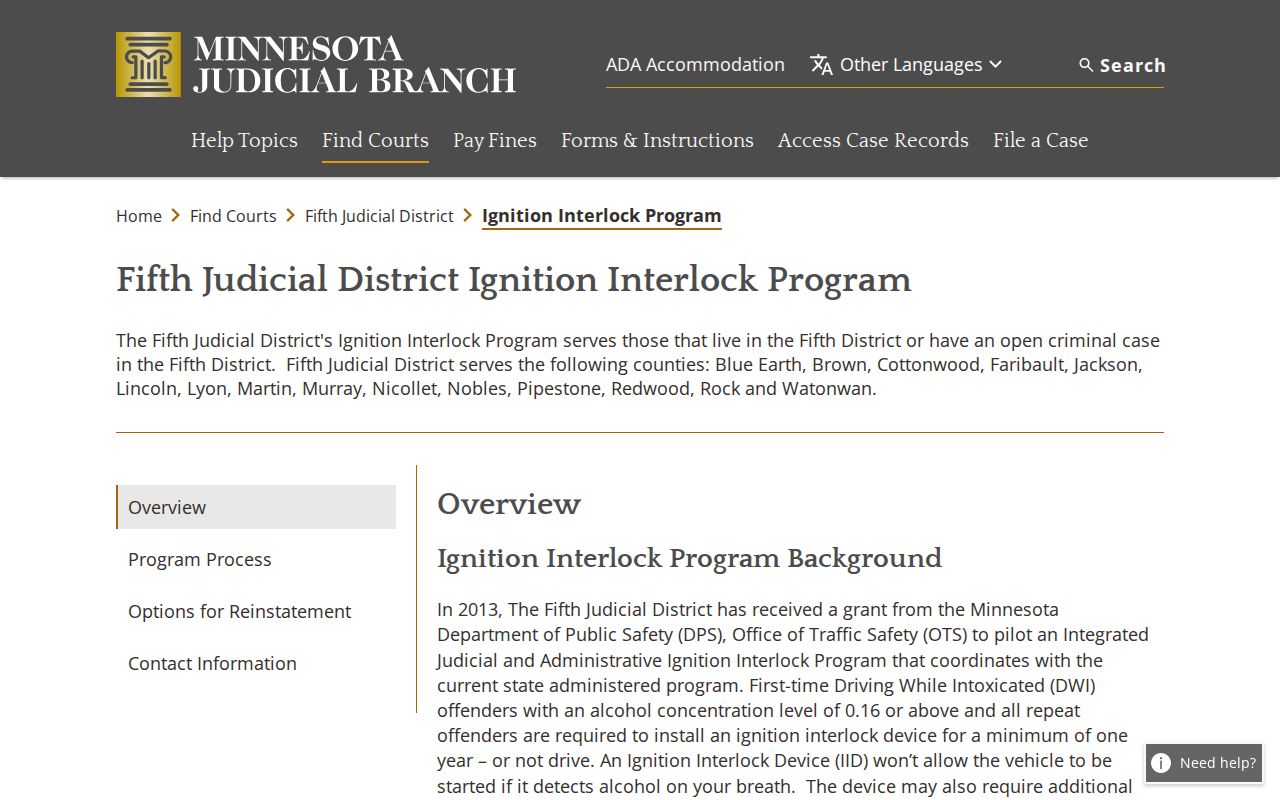
That Fifth Judicial District page is a program resource. It is not the Blue Earth criminal Register of Actions, which remains the record of court status.
What a Criminal Docket Shows
A criminal Register of Actions is an event history, not a full factual account. The court file number and category can appear there. Filing events, hearing settings, orders, and later disposition entries can appear there too. MCRO may show a document index beside that history. An index row can carry no downloadable attachment. Read the event sequence and any signed order before trusting a short status label.
| Case number | The Blue Earth county/type/year/sequence identifier, such as 07-CR-26-####. |
|---|---|
| Register of Actions | The chronological list of proceedings, filings, and court events. |
| Hearing setting | A scheduled date, time, location, judicial officer, and hearing-type label. |
| Filing or index entry | An event reference that may exist even if no public document is attached online. |
| Disposition | An outcome or change in the case that should be confirmed in the event history or a signed order. |
Blue Earth Criminal Name Search Limits
MCRO's Name tab comes with person and business choices. It offers exact-name searching, a Sounds Like option, and a trailing wildcard. Date filters, county and category controls round out the tools. Helpful as those tools are, they cannot override Minnesota's remote-access rules. Pending criminal cases cannot be found by defendant name through MCRO. So a name-search miss does not mean the Blue Earth criminal case is absent.
Reach for a known case number, citation number, or attorney name or bar number instead. If that still yields nothing remote, Court Administration can explain the courthouse-terminal route. The limit guards access boundaries; the underlying file stays with the same court either way.
Stages on a Criminal Docket
Blue Earth's official daily calendar lists stages such as First Appearance, Initial Appearance - Rule 8, Arraignment, Preliminary or Probable Cause Hearing, Omnibus Hearing, Pre-trial, Review Hearing, Probation Violation Hearing, Sentencing, Jury Trial, and Intermediate Disposition Hearing. A label shows what was set. It does not show what happened at the setting. A First Appearance, for one, is not a disposition.
Docket flow: Filing → Arraignment → Pretrial → Plea or Trial → Disposition → Sentencing.
No two cases move through that line the same way. A continuance or review setting shifts the schedule without resolving a charge. After a calendar date passes, the Register of Actions carries the fuller history.
Blue Earth Criminal Calendar Stages
The Blue Earth daily calendar is its own scheduling tool, separate from the docket itself. Each row lists hearing location, date, time, judicial officer, hearing type, connection type, and case number. The local court posts it at 7:00 a.m. each business day and updates it hourly. Printed courthouse and lobby calendars remain the most current local information.
One caution: a row can stay listed after a current-day proceeding was held or continued. The calendar omits confidential and nonremotely accessible matters. It covers only scheduled courtroom hearings, not every event in every criminal file. Use it to find a setting. Then confirm any change with Court Administration.
Which Court Holds Criminal Dockets
For a Blue Earth County criminal docket, start with the District Court. It sits in the Fifth Judicial District and holds original jurisdiction over criminal, civil, family, probate, juvenile, and traffic cases filed in the county. The county runs no separate municipal or justice-of-the-peace criminal court. Everything criminal flows through this one trial court.
Two offices matter for a case lookup. Court Administration keeps the local file, while MCRO serves as the statewide remote interface. A County Attorney complaint, a Sheriff record, and a jail record may all describe the same event. Yet each belongs to a different agency. For procedural status and disposition, the court's Register of Actions is the right record to read.
Blue Earth Criminal Complaints Compared
Blue Earth County also offers an Adult Criminal Complaints Viewer, run by the County Attorney. That tool leads to prosecutor-held charging papers. Remember what a complaint is, though. It is an allegation and a filing source, not a judgment and not the full story of what happened later. Court dates, motions, orders, and disposition events live in the criminal Register of Actions instead.
The gap matters once a case moves past charging. A prosecutor's complaint record cannot replace the court's event history. The court history, in turn, says nothing about law-enforcement custody or incident files. Get each record from the office that holds it. The official county complaint-viewer page shows what this separate prosecutor route contains.
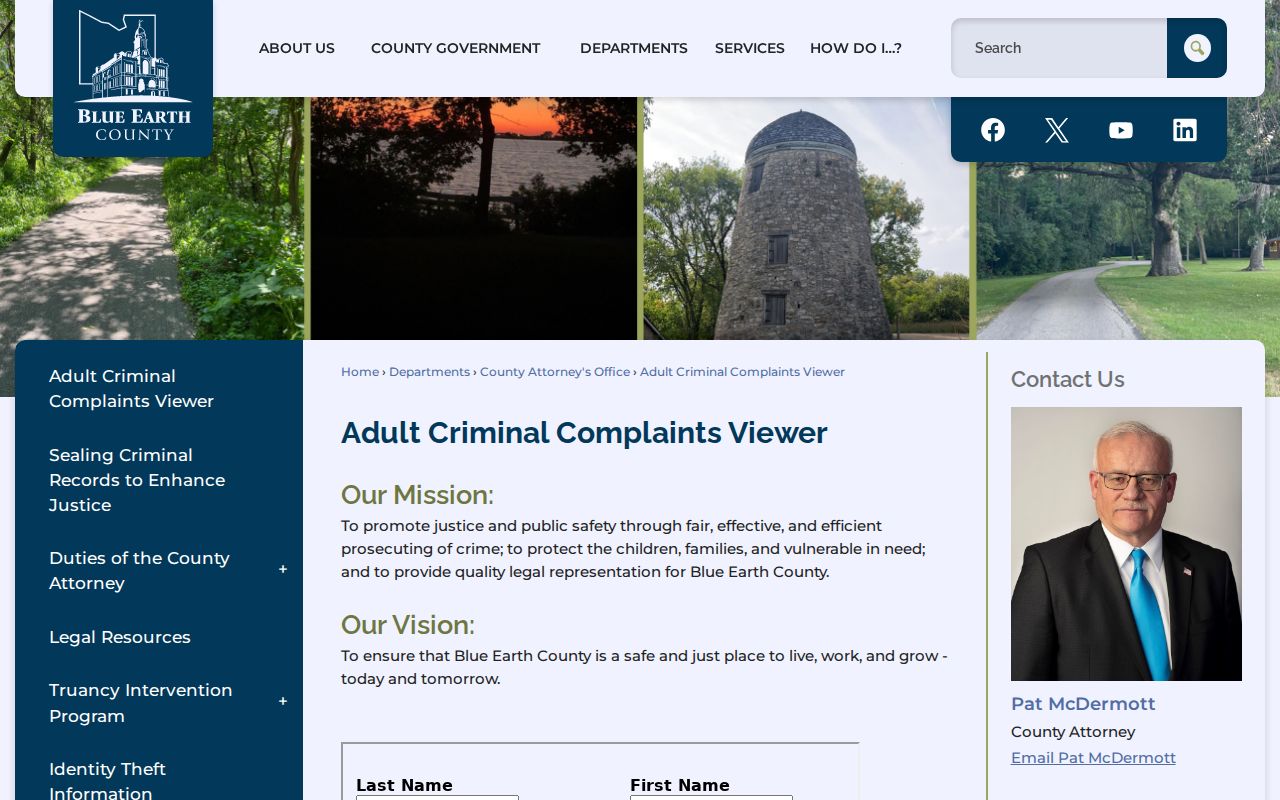
That official page reflects a separate complaint source, while the Blue Earth criminal docket itself stays a court-administered record.
Public Access and Sealed Criminal Dockets
Access to Minnesota court records runs through the Rules of Public Access. Paper originals open to inspection during regular hours where they are kept. The remote MCRO view is narrower. So a Blue Earth criminal record can sit in the court file yet stay unavailable by name or document online. Expungement, juvenile status, a statute, a court rule, a court order, confidential data, or the remote-access designation can each limit what you see.
Key Rules:
Minnesota Rule of Public Access 8 permits inspection and copying of accessible court records while setting remote-access limits.
Minnesota Rule of Public Access 4 recognizes restrictions imposed by rule, statute, court order, and case-specific findings.
Minn. Stat. § 260B.163 sets specialized juvenile hearing and record-access boundaries.
Blue Earth Criminal Documents Online
MCRO Document Search works best when you already have a case number. For filings on or after July 1, 2015, the Judicial Branch describes broad remote coverage across major and minor criminal cases, subject to the public-access rules. Coverage gets thinner before that date. And a public Register of Actions entry does not promise a downloadable attachment.
What you download is a public access copy, complete with MCRO and case-event metadata plus a watermark. It is not a certified record. Want a raised-seal copy? Contact Blue Earth County Court Administration and name the file, document, and copy type. The Minnesota court-rules page carries the current rules that govern this access.
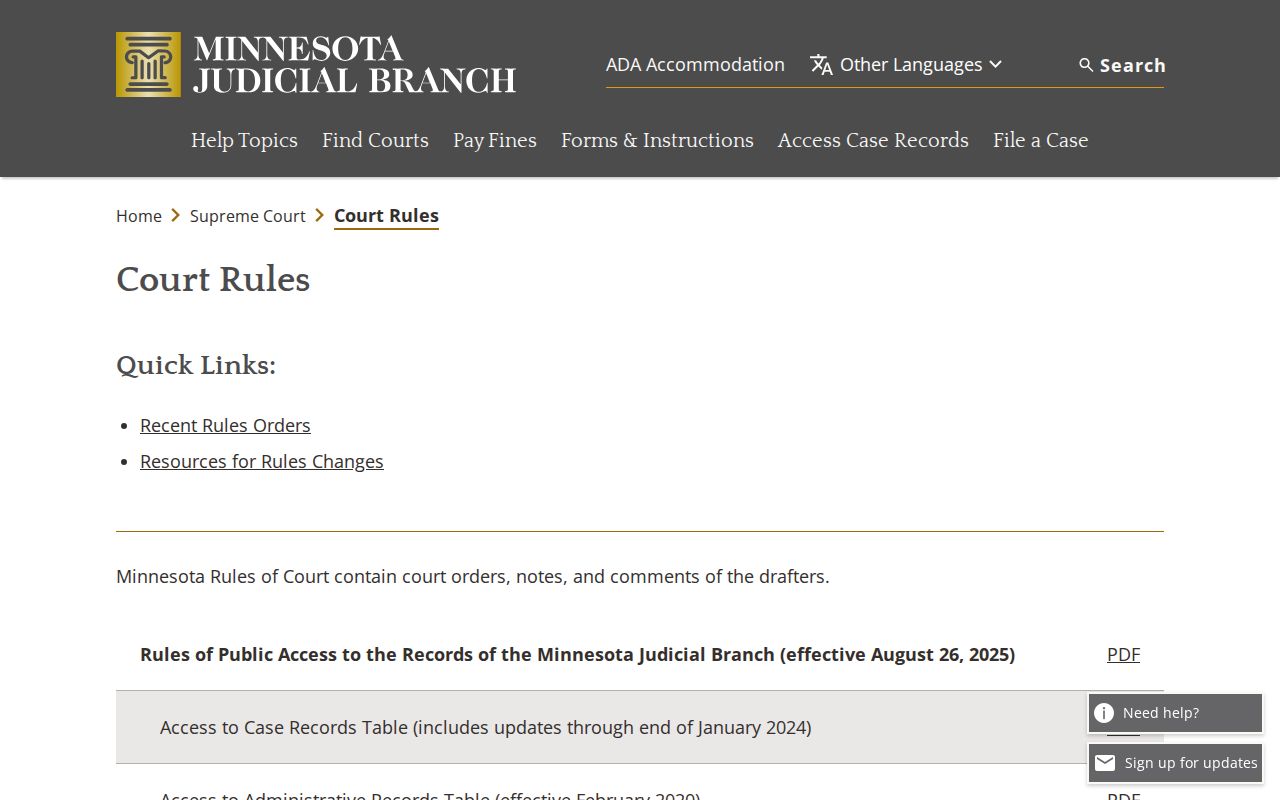
Check those court rules before leaning on an older description of online criminal documents. Access rules can change, and the current text controls.
Blue Earth Criminal Records Offline
Why might a criminal entry be missing online? Old paper files, pre-electronic records, an expungement, retention or destruction rules, and restricted categories all play a part. The practical fallback is the courthouse terminal or Court Administration, not a hunt through unrelated city or county databases. Court Administration can also route a certified-copy request. And staff can tell you whether a restriction demands extra paperwork or court permission.
Blue Earth County Court Administration
Blue Earth County Justice Center
401 Carver Road
Mankato, MN 56001
(507) 594-3055
Mail for the court listing goes to P.O. Box 3366, Mankato, MN 56002-3366. If the request concerns an inaccessible criminal record, ask before you travel or send anything.
Blue Earth Criminal Hearing Notices
A Blue Earth criminal proceeding may appear in person or remote. But the notice sent for the specific hearing controls. The Fifth Judicial District's current remote-hearing guidance is direct: go to the courthouse when the notice says courthouse. Follow the supplied instructions when it says remote. Never copy meeting credentials from operational notices. Public observation rules also bar recording or broadcasting a remote proceeding unless it is authorized.
Before a scheduled hearing, cross-check the case notice, MCRO Hearing Search, and the local daily calendar. If the three disagree, call Court Administration.
Blue Earth Criminal Expungement Limits
Expungement is not a puzzle to work around. It is a court-ordered restriction on disclosure. So a missing remote result tells you nothing about a person's history. The Minnesota expungement statute sets out this access boundary.
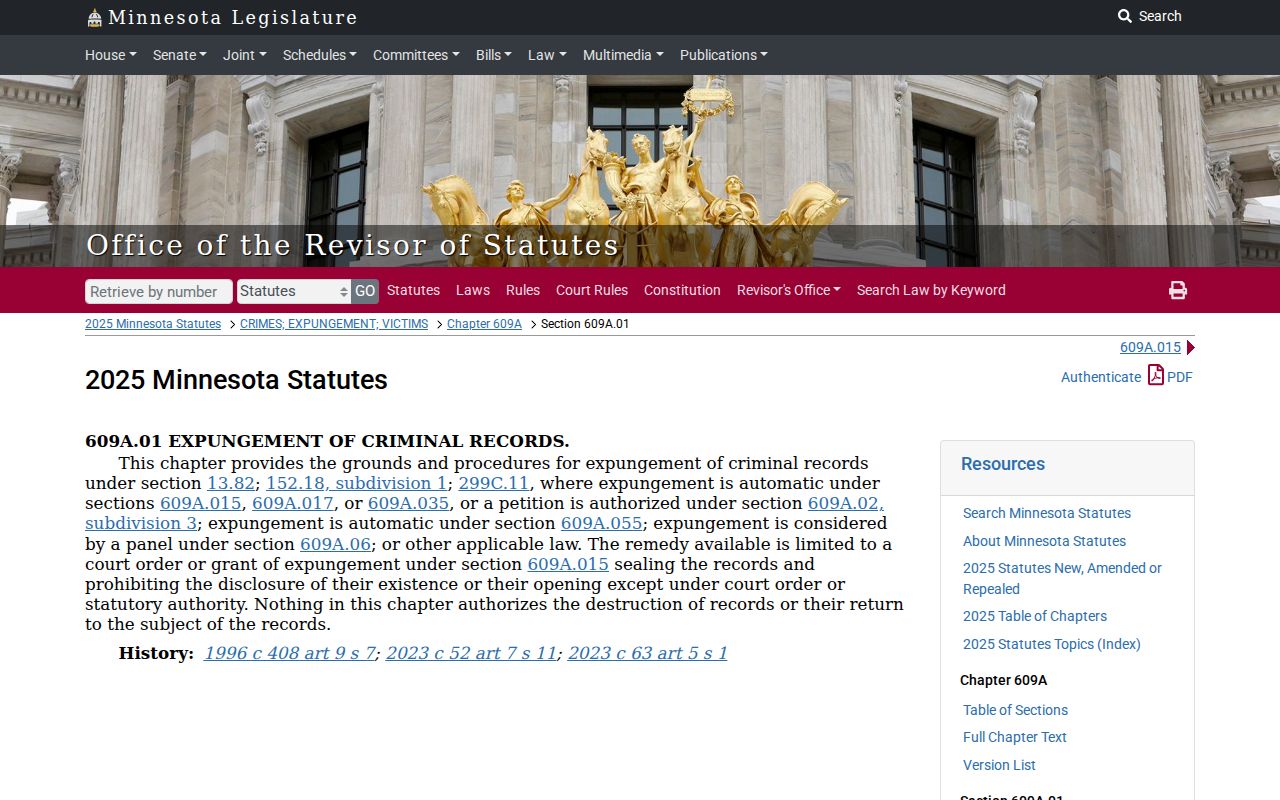
That statute is why Court Administration, not an alternate public portal, is the right place to ask about the permitted record-access path.
Blue Earth Criminal Juvenile Boundaries
Juvenile calendars and files carry special limits. A public proceeding or a visible scheduling label does not put juvenile names, dates of birth, school details, addresses, or every filing within remote reach. Treat a partial online result as partial. Ask Court Administration about the proper process for the particular file. The juvenile-record access statute defines these boundaries.
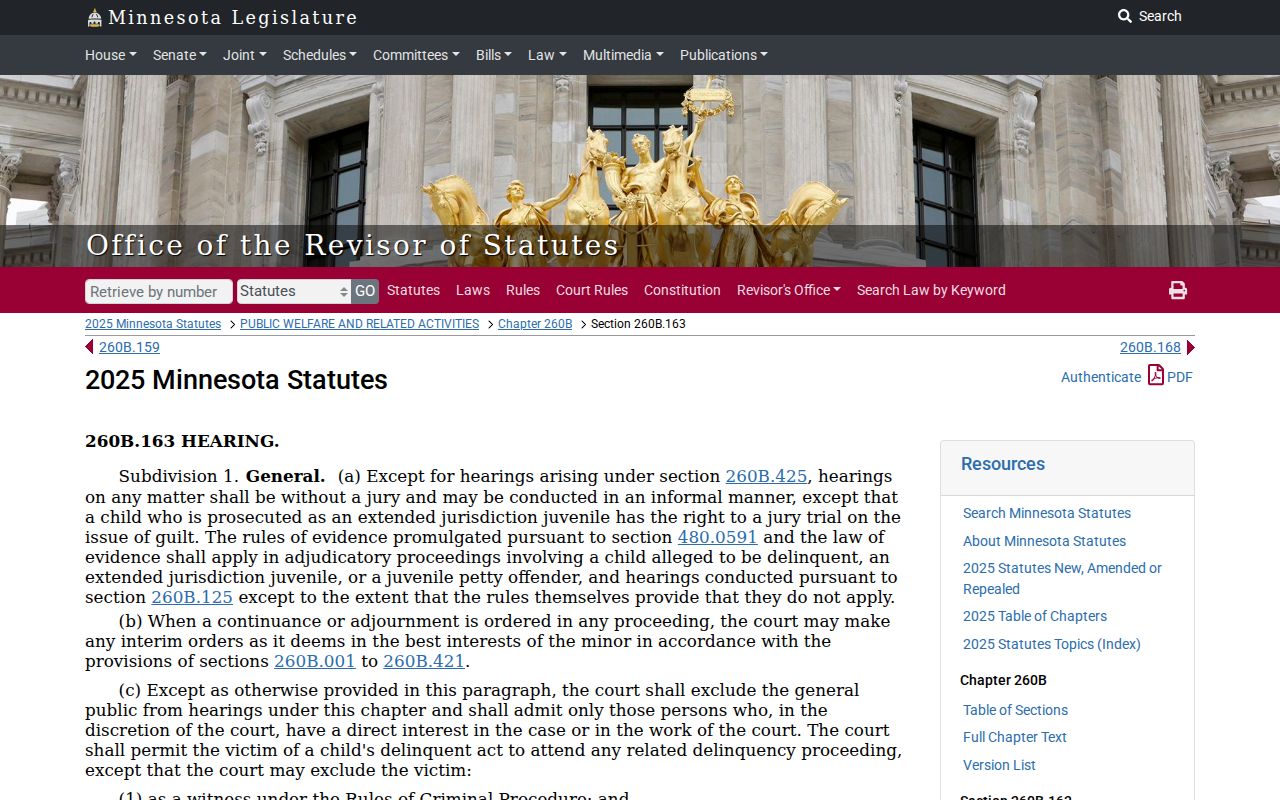
That framework is why juvenile access takes a more careful path than an ordinary Blue Earth criminal docket search.